Best Chess Software and Training Apps in 2026
The best chess software question sounds simple. It isn't. Some searchers mean a chess engine, some mean a database, some mean a training app, and some mean a game review tool that explains why they lost. ChessBase, Lichess, Chess.com, DecodeChess, and Chessvia all solve different jobs.
If you came here searching for the best chess software, best chess training app, best chess engine 2026, or best chess program, start by naming the problem. Do you need a database for openings, a free engine board, a lesson-and-puzzle training app, or a review that explains why your move failed? Pick the tool for that job first, then worry about price.
| If you searched | Start here | Why |
|---|---|---|
| best chess software | Match the software to the job | The winner changes for databases, analysis, training, and coaching |
| best chess training app | Chess.com or Lichess for lessons and puzzles; Chessvia for learning from your own games | Generic training and post-game coaching are different jobs |
| best chess engine 2026 | Lichess / Stockfish for free engine work | Most players need Stockfish access, not another paid shell around it |
| best chess program | ChessBase for serious database prep; browser tools for everyone else | A desktop program is overkill if your real job is post-game feedback |
| best chess analysis software | Lichess for raw lines; Chessvia when you need the why | Engine output and coach explanation are different products |
Five tools. Five different jobs. None of them does everything well, and pretending otherwise is how you end up recommending a €200 Windows program to a beginner who just wants to understand their blunders.
Short answer: the best chess software for most players is not one program. Use ChessBase for database prep, Lichess for free engine analysis, Chess.com for lessons and the full playing ecosystem, DecodeChess for a one-way written report, and Chessvia when you want to ask follow-up questions about your own game. If your real problem is "I lost and don't understand why," start with a free review on /analyze before buying anything.
Five tools, five winners. ChessBase 26 for opening databases and preparation, Lichess for free unlimited analysis, Chess.com for the all-in-one ecosystem, DecodeChess for deep written position reports, and Chessvia for conversational AI coaching where you can push back on the answer. That last one is our product. Said upfront, because a comparison you can't trust is worthless. We kept the prices real, the competitors first, and the limits honest.
Prices were re-checked against official product pages on August 24, 2026. (Vendors update these without warning, so if a number looks off, confirm on their site before you buy.)
Best chess software compared: five tools, five jobs
| Software | Best for | Platform | Price | Free tier | AI coaching |
|---|---|---|---|---|---|
| ChessBase 26 | Opening databases and preparation | Windows desktop | €199.90 one-time | 14-day trial | No (engine lines only) |
| Lichess | Free unlimited engine analysis | Browser, any OS | Free | Fully free, unlimited | No (eval numbers only) |
| Chess.com | All-in-one ecosystem | Browser + apps | ~$12/mo annual ($20 monthly) | ~1 Game Review/day free | Play Coach, one-way |
| DecodeChess | Deep written position reports | Browser | ~$7/mo ($84/yr) | Limited | Written report, one-way |
| Chessvia (ours) | Conversational AI coaching | Browser, any OS | $7-19/mo ($49-$149 annual) | Free review + first game | Two-way, follow-ups welcome |
ChessBase is the professional tool and the most expensive by far. Nearly €200 one-time, Windows-only. A club player spending the week before a rated event on opponent prep? This is exactly what €200 gets you. A 1200 who just lost again and wants to know why? Wrong product entirely.
ChessBase 26: best chess software for database work and opening preparation
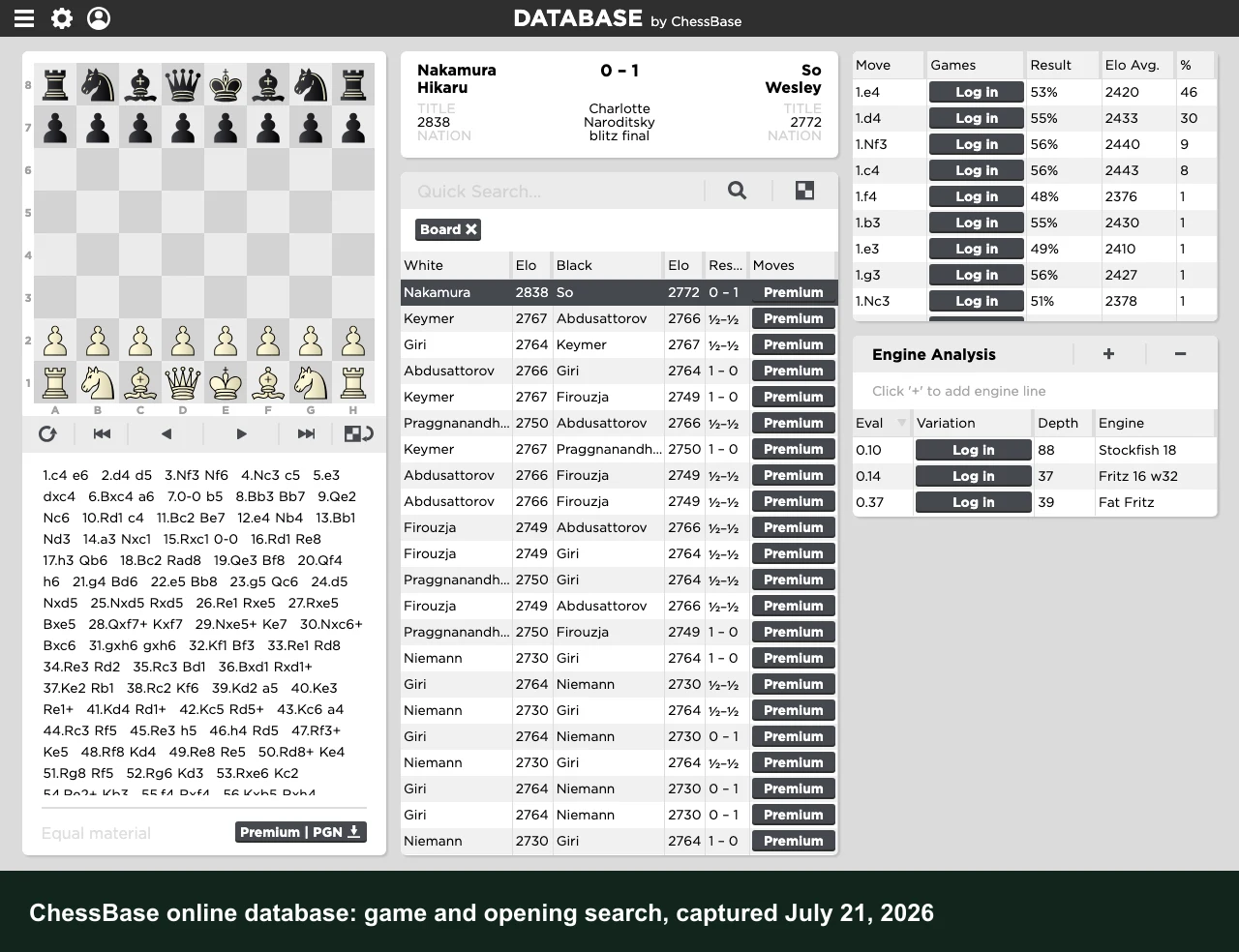
ChessBase isn't learning software. Build a personal game database, search any position across millions of games, generate opening reports, find novelties in specific lines, prepare for specific opponents. That's the actual use case. The current release is ChessBase 26: Windows 10 or later, €199.90 one-time, one-year Premium cloud membership included.
If you've been playing chess for a few years and your preparation work is limited to watching YouTube videos, ChessBase is the next level. You can search for any position across millions of games, find every grandmaster who played the same pawn structure, generate a full opening report showing critical lines and where opponents tend to deviate. Browser tools don't do this.
The tradeoff is scope. ChessBase gives you engine lines and statistics, not plain-language explanations. A 1400 who opens a ChessBase report after a tough loss will see a Stockfish eval and a best line. They'll still need to figure out WHY the plan failed. It's the right tool for the right player: serious club-level upward, on Windows, working on specific opponent preparation.
Lichess: best chess software for free, unlimited engine analysis
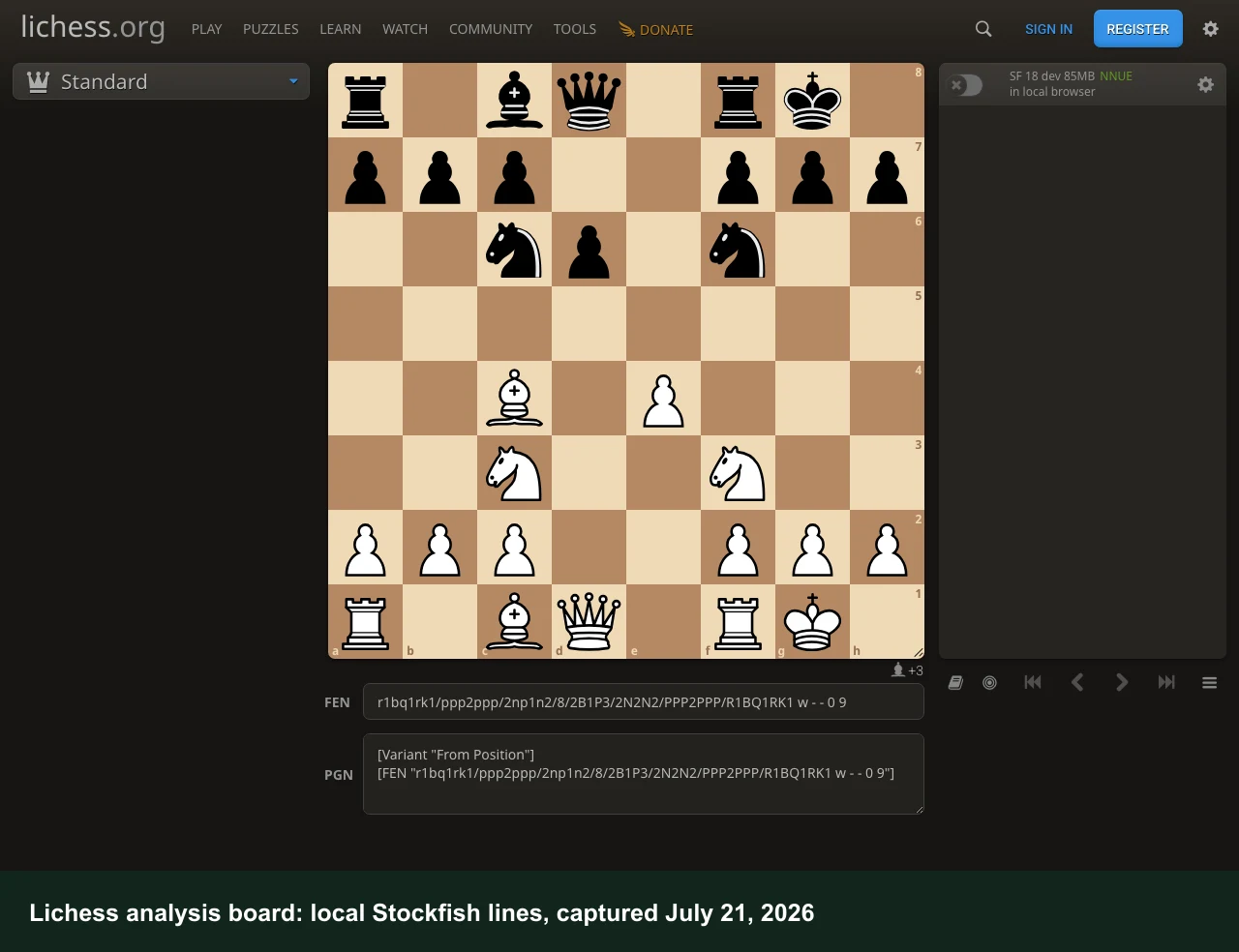
Lichess is free. Not "free until you hit a wall." Actually, genuinely free. It's open-source, ad-free, and runs on donations. The analysis board gives you unlimited Stockfish evaluation on any position with no account needed.
The Lichess features page has the breakdown: cloud analysis at depth 20+ for up to 40 games a day, and the in-browser Stockfish engine runs without any cap. Drop in a PGN or FEN and the eval comes back right away. Puzzles, studies, community, and broadcasting are all free. For players who want to analyze games without spending anything, this is the ceiling.
What Lichess doesn't give you is the words behind the numbers. The eval says your move dropped from +0.4 to -1.8. It doesn't say the rook was hanging to a discovered check two moves later. For a 1900 who can translate evaluation into improvement, that's fine. For a 1200 who doesn't yet know how to read an engine line, the gap between the number and the lesson is real. That's the gap a coaching conversation fills. If you're comparing Lichess specifically, the Lichess game review walkthrough covers exactly what's free, where the cap sits, and why plain-language explanation is still the missing piece. If you're comparing the whole market, the best chess analysis sites guide covers the full range of free and paid analysis tools.
Chess.com: best chess software for the all-in-one ecosystem
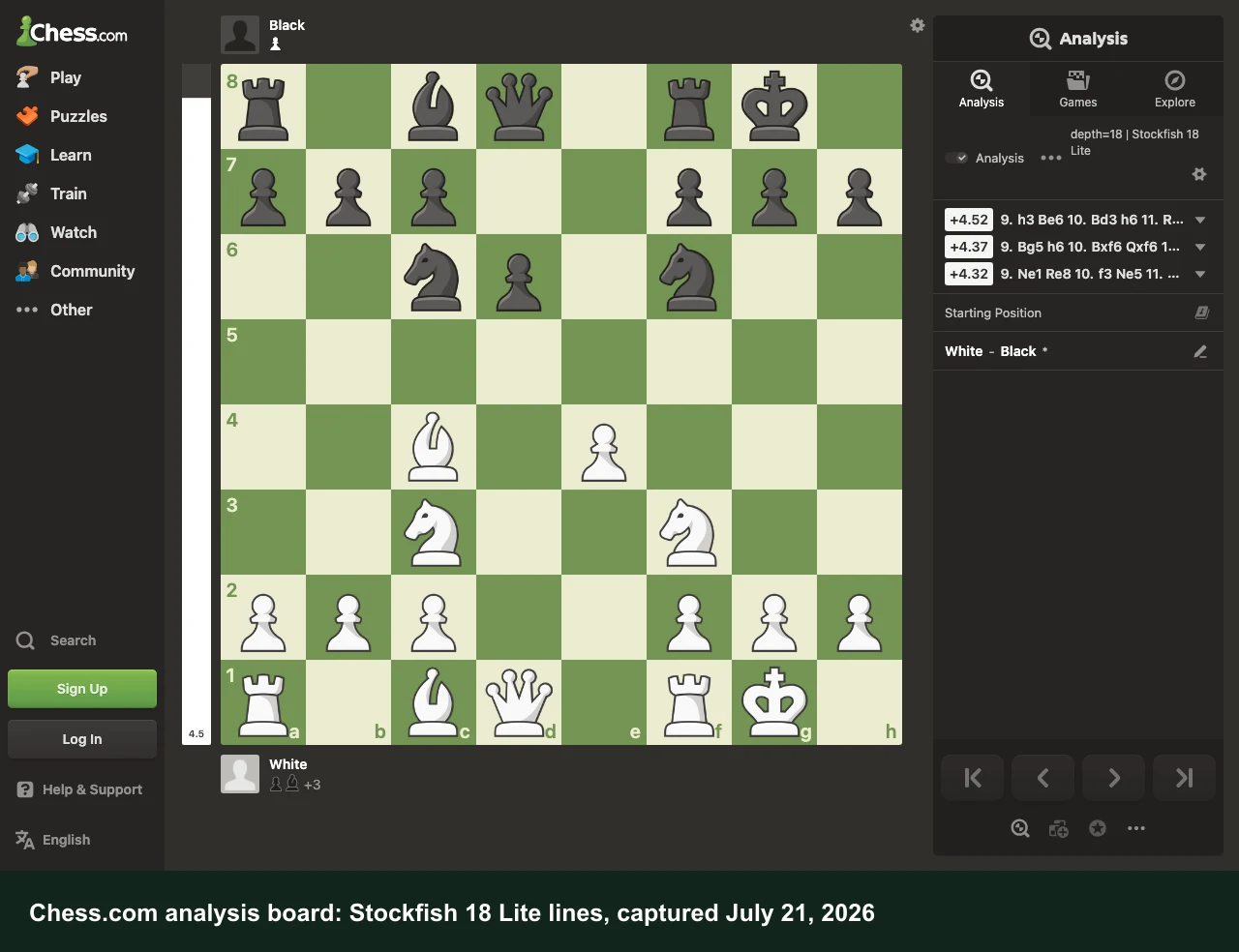
Chess.com is the biggest chess platform in the world. Games, puzzles, video lessons, tournaments, a game review tool: all one login. No other platform comes close on breadth.
The Game Review tool (Stockfish analysis with accuracy percentages, blunders and missed wins flagged) is one of the better free products available, up to roughly one full review a day on the basic tier. Diamond membership runs about $12 a month on an annual plan ($20 monthly), which gets you unlimited Game Review and Play Coach, Chess.com's one-on-one coaching feature.
Play Coach is useful. It narrates your game, attaches tips to your mistakes, and walks you through what you missed. The conversation stops there, though. Ask "but what if I had played Nc6 instead" and Play Coach goes quiet. There's no back-and-forth. That's fine for a 1000-1200 building a foundation: structure, variety, the biggest player pool in chess. Chess.com Premium covers all of it. For a player who wants to interrogate positions, it runs short.
DecodeChess: best chess software for deep written position analysis
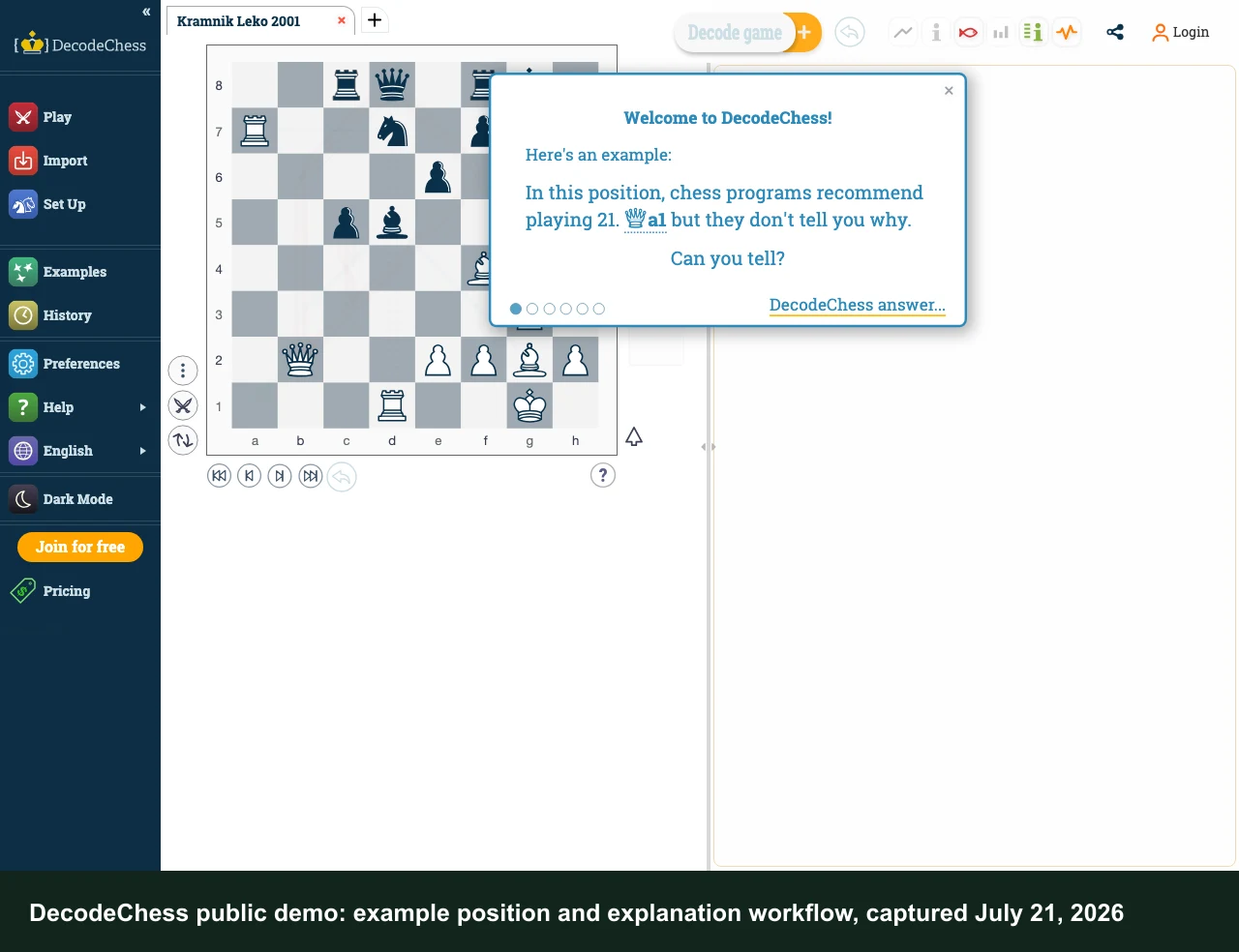
DecodeChess does one thing well: written explainable-AI analysis of individual positions. Upload a game, and it generates a breakdown describing each key moment in natural language, not engine lines, but actual prose explaining the threats, the plan behind a piece placement, why a specific capture was premature. About $7 a month ($84 a year). The free tier is limited; no mobile app.
The difference between DecodeChess and a conversational coaching tool is direction. DecodeChess writes a report and stops. You read it, it doesn't respond. If the explanation raises a new question, you take that question somewhere else. Worth noting: its analysis is strong and genuinely detailed. This isn't a knock on the quality. It's a description of the format. Players who want the deepest written breakdown of one game and are fine with one-way will find it hard to beat. Players who want to push back on the first answer need something different.
Chessvia: best chess software if you need to ask why
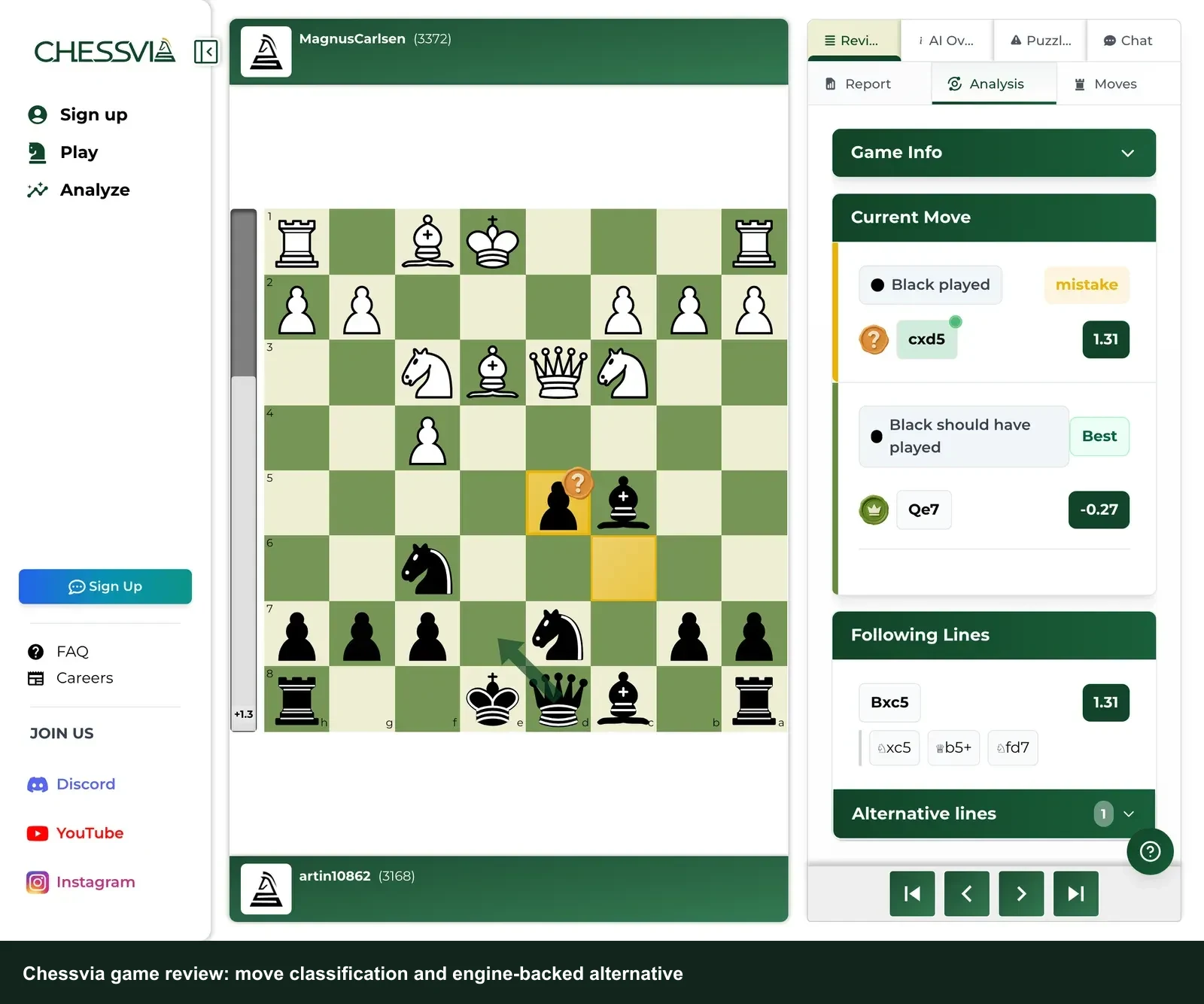
Chessvia is our product. That's said first, because this is the section where we're grading our own work.
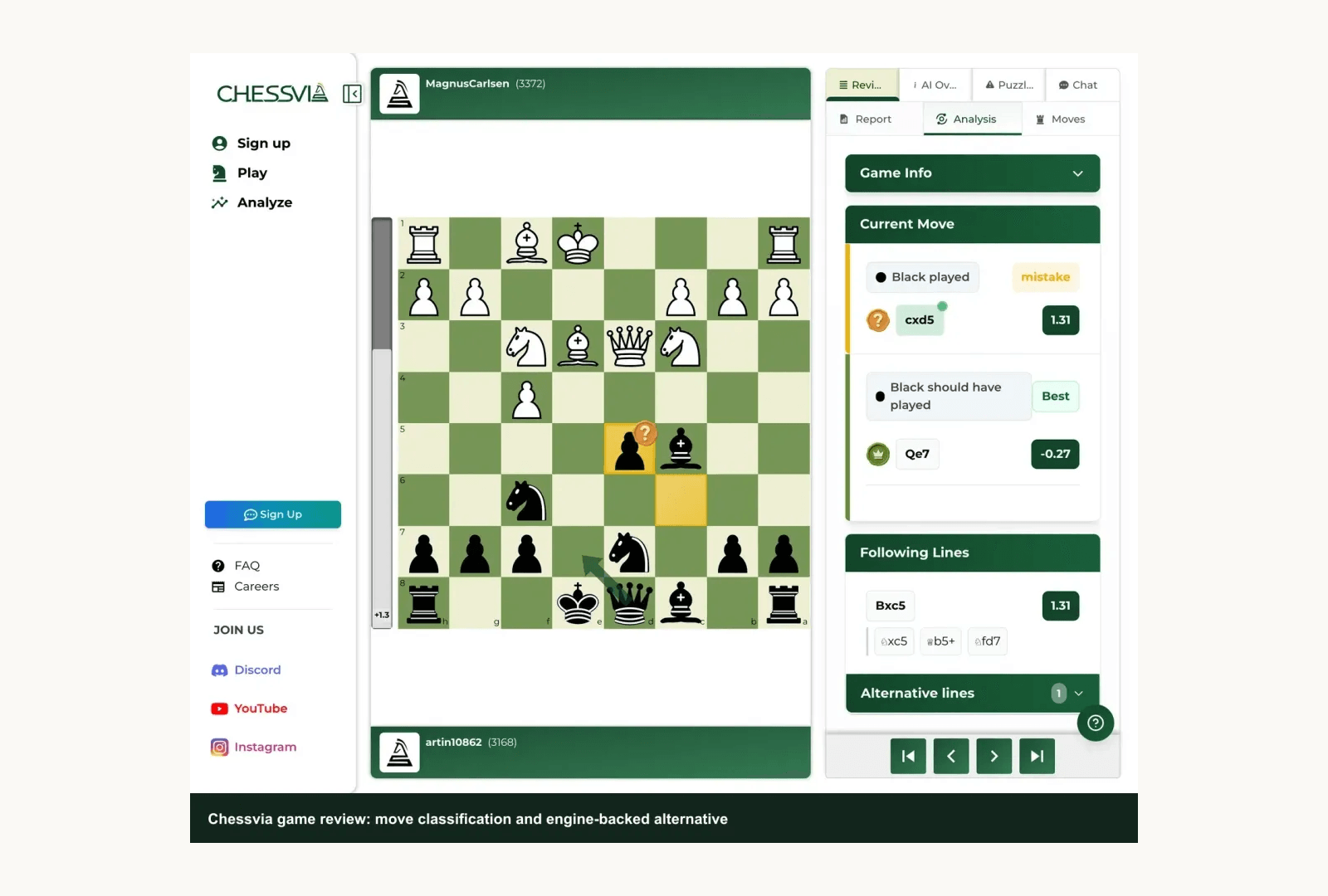
What Chessvia builds around isn't the analysis. It's the conversation. You import a game from Chess.com or Lichess, or play one on /play, and when a move goes wrong the coach explains it in plain words. Not a Stockfish eval. Not a line to memorize. A plain-language answer about what went wrong with that specific move, grounded in the engine's actual evaluation of the real position you were in.
Then you can push back. Ask why the suggested move is better. Ask what the plan was supposed to be. Ask whether your move could have worked with a different follow-up. The coach answers every time. That back-and-forth, not just the first answer, is what none of the free engines, static reports, or one-way Play Coach sessions give you.
The one thing that's genuinely Chessvia's: a coach you talk WITH, not one that talks AT you. The free engines give you a number. DecodeChess writes you a report. Chess.com's Play Coach narrates one-way. With Chessvia you ask a follow-up on the exact position and get an engine-grounded reply back. That's the job this tool is built for.
Free tier: one full game review, a first game with the coach, no account required. If you're comparing chess programs because you just need the move explained, start with the review path: paste the game, read the coach's explanation, and ask one follow-up before you decide whether any paid software is worth it.
Honest limits, because this comparison is supposed to be useful. Chessvia is web-only. No app. Two-way voice coaching and persistent memory across sessions are in early access, not shipped to all users yet. Don't buy us for those. And if you want a game database and opening preparation tool, ChessBase does that and we don't. Match the tool to what you actually need.
Review one game free and ask why the move failedBest chess software for beginners
Start with Lichess or Chess.com. Both are free and both teach fundamentals. Lichess's puzzle trainer builds tactical pattern recognition. Chess.com's lesson library covers the basics through videos and exercises. Neither costs anything to build the fundamentals. For website-only comparisons, see the best chess websites guide.
Once you start losing games and not understanding why (usually somewhere in the 1000-1200 range), the analysis tools matter more than the lesson library. Chess.com's daily free Game Review shows you where the biggest mistakes were. If you want to understand WHY the moves were wrong rather than just seeing them flagged, that's when Chessvia's free game review is worth trying.
ChessBase isn't a beginner tool. It's a database and preparation product for players who've been at this for years. Buying it at 900 ELO is like buying a professional racing bicycle when you've just learned to ride. Same with DecodeChess: the written analysis is high quality, but it assumes you can read an opening line and know what it means.
Short recommendation: Lichess (free) to Chess.com free tier to Chessvia's free game review once the "what went wrong" question starts mattering more than "did I blunder something obvious." For the full picture on which AI coach fits which player, the best AI chess coach guide goes deeper.
Best chess software for PC and Mac
Lichess, Chess.com, DecodeChess, and Chessvia are all browser-based. Windows, Mac, Linux: open a tab and you're done. No install, nothing to download.
ChessBase is the exception. Windows 10 or later, native desktop program, no Mac version. If you're on a Mac and want ChessBase specifically, you're looking at Windows via Parallels. Lucas Chess (a free, open-source training and play program with multiple bundled engines and a broad range of training modes) is a Windows-only desktop option worth knowing as a free offline alternative. It's not in our screenshot comparison since we don't have a first-hand capture of it here, but it's the most significant standalone Windows chess program that costs nothing.
The short answer for "what can I install on my PC": ChessBase 26 (€199.90, Windows) and Lucas Chess (free, Windows). For Mac and Linux, every strong tool is already browser-first.
Frequently Asked Questions
What is the best chess software in 2026?
No single winner. ChessBase for database work and opening preparation, Lichess for free unlimited analysis, Chess.com for the all-in-one ecosystem, DecodeChess for the deepest written position reports, and Chessvia (our product) for conversational AI coaching where you can follow up on the answers. Which is best depends entirely on what you're trying to do. Any page that names one tool and stops is selling you something.
What is the best chess engine in 2026?
For most players, the practical answer is Stockfish, and the easiest free place to use it is Lichess. If you searched "best chess engine 2026" because you want raw evaluation, use the engine directly. If you searched it because you want to understand a finished game, pair the engine with a coach-style explanation.
What is the best chess analysis software?
For engine-based game analysis, Lichess is completely free and unlimited. Chess.com's Game Review is strong up to about one a day on the free tier, more on Diamond. For written explainable-AI reports, DecodeChess. For analysis you can interrogate with follow-up questions, Chessvia. All three do different things with the word "analysis." The best chess analysis sites guide covers the full range.
What is the best chess training app for learning?
Where you are determines which tool helps. Lichess and Chess.com are both free and solid chess training apps for the basics: puzzles, lessons, videos, all of it. To learn from games you've already played, understanding mistakes rather than memorizing patterns, Chessvia's review works differently: ask why a move was wrong, get an answer grounded in the actual position. If analyzing your own games is new territory, there's a full guide on how to analyze chess games that walks through the whole thing.
What is the best chess software for beginners?
Lichess or Chess.com first. Both are free and built for players still figuring things out. ChessBase and DecodeChess are built for players who can already read an engine line. Open either at 900 ELO and you'll mostly be confused. Once you're past 1000 ELO and losing games you don't understand, Chessvia's free game review is worth trying. You ask why the move was wrong, it answers in plain words.
What is the best chess software for PC or Mac?
Windows desktop: ChessBase 26 (€199.90) or Lucas Chess (free). For Mac, there's no native ChessBase version, and every other major tool runs in your browser anyway. Lichess, Chess.com, DecodeChess, and Chessvia all work on any OS without installing anything.
Five tools. None of them doing the others' jobs. Databases go to ChessBase, free analysis to Lichess, the full ecosystem to Chess.com, written reports to DecodeChess, and the coach-you-can-question slot to Chessvia. Most serious improvers end up using two or three: free analysis on Lichess, and a coaching session somewhere else when a specific game keeps bothering them.
If that last part is the piece you've been missing, the free game review takes two minutes and no credit card.
Play one game free with the coachFor the head-to-head on AI coaching specifically, where we're compared honestly against every major rival, the best AI chess coach guide has the full breakdown.
Not every chess training app solves the same problem. Compare databases, lessons, engines, game review, and AI coaching before you pay.