Best Chess Websites (2026): Play, Learn, Analyze
The best chess website for you depends on the session you want to have: play a game, study an idea, review a loss, or calculate a position. Lichess and Chess.com are playing and study platforms. Chessigma documents free game reports; DecodeChess provides written analysis. Chessvia’s free tools cover position checks, Stockfish analysis, and computer practice. Chessvia is our product.
Start with the task you came for:
- Play: for a game against another person, open Lichess or Chess.com. For a game against the computer, play Chessvia’s Stockfish levels; it needs no account.
- Learn: learn the rules on a live board, which covers setup, how each piece moves, castling, en passant, promotion, check, checkmate, and stalemate.
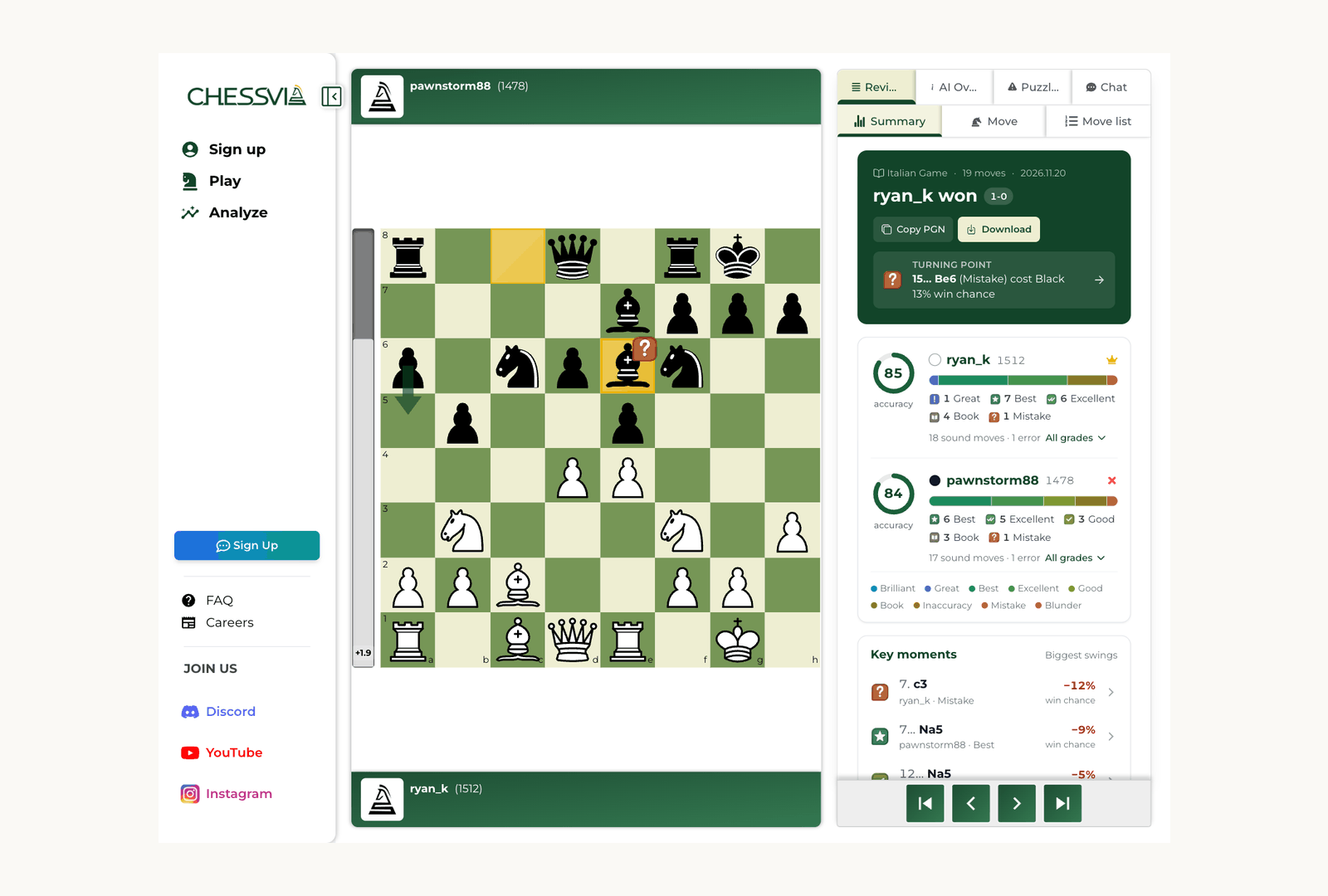
- Analyze: import a finished game from Chess.com, Lichess, or a PGN into Chessvia’s game analysis, or check the next move for one position.
For choosing a site you will return to every week, use the job map below and test the features you expect to use.
Match the website to your session
| Session | Website or tool | What to use |
|---|---|---|
| Free play and study | Lichess | Games, tournaments, puzzles, basics, studies |
| Play, puzzles, and review together | Chess.com | Unlimited games, limited daily puzzles, and a daily full Game Review on Basic |
| Review a finished game | Chessigma or Lichess | A game report and the decisions it identifies |
| Read explanations | DecodeChess | Short game comments; paid deep position explanations |
| Calculate or practice | Chessvia (ours) | Next move, online Stockfish, or play vs computer |
This is a by-task shortlist, not a ranking of engine strength or a claim that one website replaces every other. A playing site and a position board can both belong in your routine.
Playing and learning: start with your routine
Lichess’s feature page lists standard chess, tournaments, puzzles, basic lessons, and studies. It states that features are free for both ordinary accounts and patrons. Those are concrete reasons to try it if free play and study are your priority.
Chess.com’s Basic membership, checked October 18, 2026, includes unlimited games, 3 puzzles per day, and 1 full Game Review per day. It also lists tournaments, clubs, and lessons. It is a relevant choice if you want playing, practice puzzles, and a daily review in the same account.
You can also study those games elsewhere without moving your playing account. Chess.com’s PGN export instructions explain how to download a finished game’s moves. Use the Chess.com alternatives guide if you are comparing replacement platforms specifically.
If you would rather compare the sites yourself, The Chess Directory lists 418 chess websites by what you want to do, with what is free on each and what it costs.
For a player learning the rules, a basics lesson and a practice game are a sensible starting session. For a player trying to understand a recent loss, use the actual game rather than browsing unrelated lessons.
Game reports: find the moment to study
Chessigma describes free device-side reports with platform and PGN imports, move grades, an evaluation graph, and engine choices. Lichess’s published features include computer analysis and Learn from your mistakes. Either workflow can help you identify the position you should revisit.
A review becomes useful when you stop before the mistake and try a candidate move yourself. Then play the engine continuation and find the concrete consequence of your original idea. The Lichess review walkthrough covers one version of that routine.
Written analysis and position boards
DecodeChess’s pricing FAQ distinguishes short comments for moves across a game from deep analysis of an individual position. The free plan lists one decoded game daily and computer play; position decoding and deep explanations require a paid option. The DecodeChess review covers those distinctions.
Chessvia’s online Stockfish board gives you a direct calculation path: set up the position, inspect a line, and play alternatives. The next-move tool is useful when one move is the whole task. These tools are for working with the position, rather than choosing a new human-opponent platform.
Build a session you can repeat
- Play a game on the site you prefer.
- Choose one turning point from the review.
- Return to the position before the error and find a candidate move.
- Use an analysis board to test the opponent’s reply.
- Start a fresh practice game with one pattern in mind.
Chessvia’s computer opponent supplies that last practice step. Keep the engine analysis for study, then make your decisions independently in the next game.
If you are choosing an installable engine or a desktop database, use the best chess software guide. If the whole task is analysis, the analysis-site comparison goes deeper without mixing playing platforms and calculation tools.
Choose one next action
Start with free play if you want another opponent. Export a finished game if you want to study a loss. Open a position board if you already know the decision you want to check. A useful chess website makes that next action easy; you can add another tool when a different task comes up.
Start a computer-practice gameThe best chess websites and chess sites split by job: Lichess for free play, Chess.com for the biggest ecosystem, Chessigma for free reports, DecodeChess for one-way explanations, and Chessvia when you want an AI coach you can question.